30 mar
bundkort

The Sandy Bridge processors were released January 3rd, and with these came a new chipset. January 10th was the day that the new architecture was officially launched with the products. ASUS are very well-known as a motherboard manufacturer, and of course they had to play along when the new Sandy Bridge processors were released. This is the reason why they have launched a line of new motherboards, with both P67 and H67 chipsets. One example is the P8P67, which is the board we are testing today.
Introduction
The Sandy Bridge processors were released January 3rd, and with these came a new chipset. January 10th was the day that the new architecture was officially launched with the products. ASUS are very well-known as a motherboard manufacturer, and of course they had to play along when the new Sandy Bridge processors were released. This is the reason why they have launched a line of new motherboards, with both P67 and H67 chipsets. One example is the P8P67, which is the board we are testing today.

Packaging
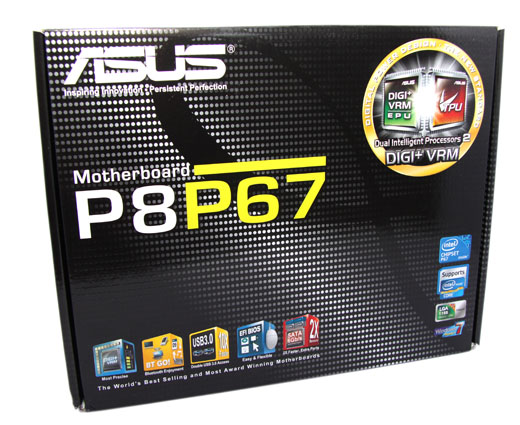
ASUS P8P67 comes in a black/white box with a dot-design. The box is easily known for the big name of the product inside it, which is the first thing you see when you look at it. "P8" is written in white, and "P67" is written in lime-green. This is done to put focus on the fact that this is a motherboard with a P67 Express chipset. The box is not packed with a lot of pictures, but there is a big sticker in the top-right corner that shows that this motherboard has a new feature called "Dual Intelligent Processors 2", and that it has DIGI+ VRM, which is also a new feature. In the bottom of the box the new features for this board, compared to the older P7-series, are listed. Besides that, there are various Windows 7 and Intel certificate stickers; Intel P67 chipset, Core CPU-series support and LGA1155 CPU socket support.
The back of the box is dedicated to tell about the new features P8P67 offers. There is BT GO!, BlueTooth support, TPU and EPU chips, OverClock and power-saving chips, USB 3.0 controller and EFI BIOS, which must be one of the most interesting things.
There is also a picture of the product itself, with pointers to where the different components are placed on the board.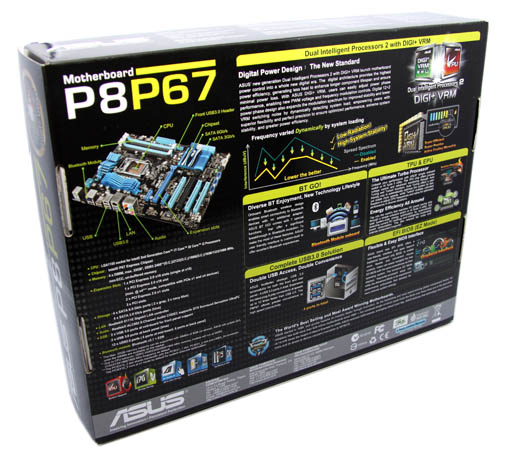
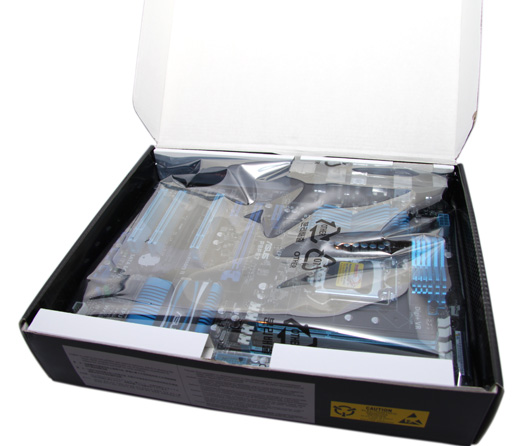
In this box, there is no door to open it, which many high-end motherboards have, but this is also a more economic version, which directs to the mainstream market. Inside the motherboard is on top, and the cables, driver CD and other accessories lay beneath.